
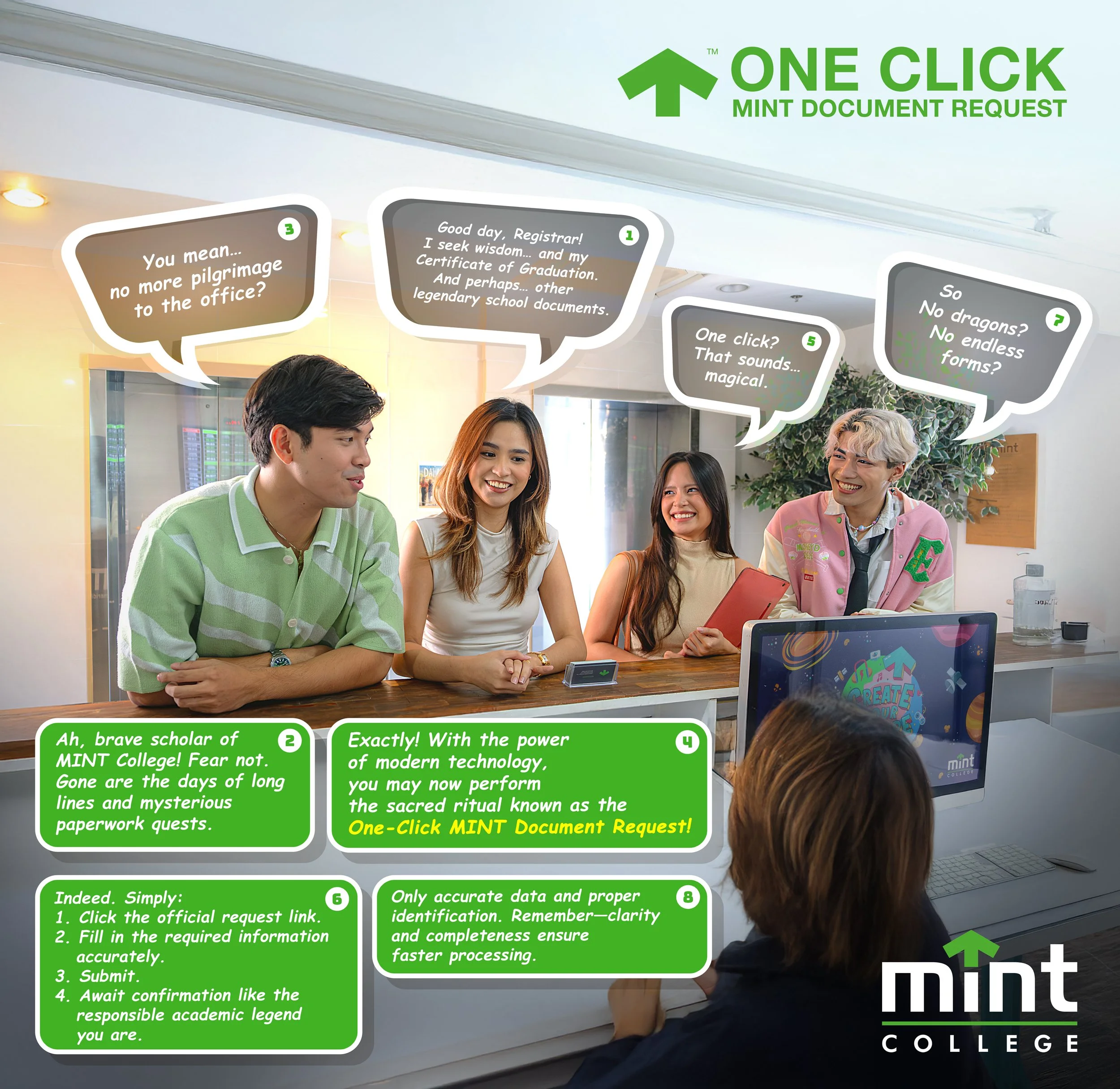
The ONE CLICK REGISTRAR webpage is envisioned to consolidate and automate the interactions between the Registrar’s Office, Accounting Department, and the requester, ensuring an efficient, transparent, and user-friendly experience. The design has been crafted for operational excellence and ease of navigation, with a pilot testing phase already planned to ensure smooth deployment.
Key Advantages of ONE CLICK REGISTRAR:
Efficiency and Time-Saving: Automated document requests will significantly reduce manual processing, allowing the Registrar and Accounting offices to focus on higher-priority administrative tasks.
Accuracy and Transparency: Integration with accounting and registrar records ensures real-time tracking of document requests, reducing errors and miscommunication.
Enhanced Client Experience: Students, alumni, and transferees will enjoy a hassle-free process, with clear status updates and reduced waiting times.
Operational Organization: Centralized data management will streamline workflow between departments, improving accountability and reporting.
Strategic Modernization: Aligns Mint College with current digital education trends, demonstrating innovation and responsiveness to stakeholder needs.
HOW TO REQUEST YOUR DOCUMENT – ONE CLICK REGISTRAR PORTAL
To conveniently process your document request, please follow the steps below:
Access the School Website.
Visit the official website and locate the “ONE CLICK REGISTRAR” tab on the homepage.Click the “ONE CLICK REGISTRAR” Tab.
This will automatically redirect you to the Registrar’s Online Document Request Portal.Select Your Desired Document.
From the list of available services, choose the specific document you wish to request (e.g., Transcript of Records, Diploma, Certificate of Enrollment, etc.)Complete the Online Request Form.
Accurately fill out all required fields. Ensure that your personal information, contact details, and purpose of request are correct to avoid processing delays.Follow the Payment and Confirmation Instructions.
After submission, you will receive instructions regarding payment procedures and processing timelines.Monitor Your Email for Updates.
Kindly check your registered email regularly for confirmation, payment verification, and release schedule notifications.
Reminder: All requests are processed within the prescribed service timeline. Please ensure that all submitted information is complete and accurate for a smooth and efficient transaction.